Apple Health + AI agents
How to connect Hermes to Apple Health data on your Mac
Ask about your steps, sleep, workouts, heart rate, and HRV without handing an agent your entire Apple Health export.
· By Keith Rumjahn
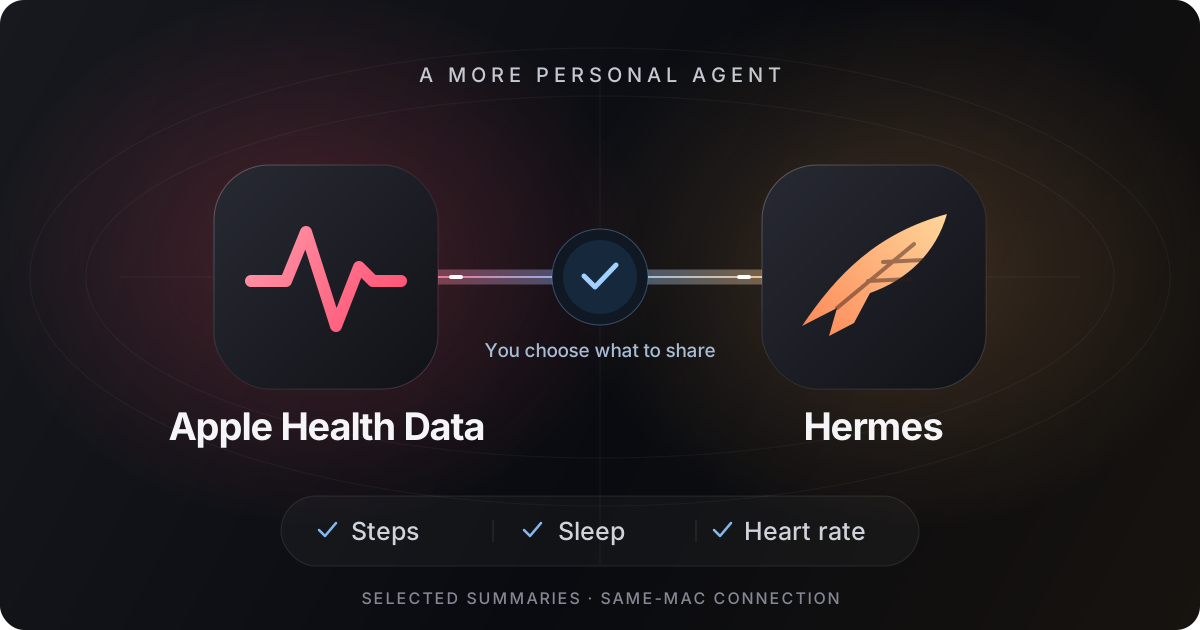
Short answer: install the native Apple Health Analyzer plugin for Hermes, select an analyzed dataset in the Mac app, enable Local API, configure the token in Hermes's secret settings, and explicitly opt in. Hermes 0.23.1 or later must run on the same Mac. The connection is local, but selected results may reach your configured model provider.
Release status, November 16, 2026: the Hermes marketplace plugin is available. Mac version 2.014, which adds an in-app Hermes setup guide, has been submitted to Apple and is awaiting review. That guide is not yet an App Store release. The plugin uses the existing Local API; you can follow the setup below on a compatible Mac app version without the new guide.
What the Hermes Apple Health plugin actually does
Apple Health holds the measurements; an AI agent needs a controlled way to read them. This integration bridges an already analyzed dataset in the Mac app to Hermes. It does not sign in to Apple, access HealthKit directly, or upload your full export.xml to a model. You choose a date and a small set of metric groups instead.
The Apple Health Analyzer plugin is available in the Hermes marketplace. It is a native adapter, not the separate health-analyzer-mcp package. You do not need to install an OpenClaw skill to use it.
Set up Hermes with Apple Health data
- Prepare your dataset. Open Apple Health Data AI Analyzer on your Mac. Import and analyze an Apple Health export, or follow the iPhone-to-Mac sync guide. In Integrations, select the intended analysis using Use Last Analysis or Use for Integrations, as offered by your app version. Confirm that it includes the date you want.
- Enable Local API yourself. Keep the Mac app running. The plugin connects only to
http://127.0.0.1:8765. Installing the plugin does not start the app or enable its API. - Install the native plugin. Use the Apple Health Analyzer marketplace listing, or run the repository installation command below in your terminal. Hermes must be version 0.23.1 or later, running directly on the same Mac.
hermes plugins install krumjahn/apple-health-hermes- Set the secret outside chat. In Hermes Desktop, open Settings → Plugins and this plugin. Enter your Mac app local API token into the masked Mac app local API token field, backed by
APPLE_HEALTH_ANALYZER_TOKEN. If the app offers only Copy Token Path, retrieve the token yourself and transfer it directly to that secret field. Never paste it into a conversation, prompt, screenshot, or tool argument. The plugin does not find or read token files for you. CLI users should use Hermes's supported profile secret configuration. - Review privacy and opt in. Turn on Allow health summaries in Hermes yourself only if you accept the data flow below. It defaults to off and is separate from enabling the plugin.
- Enable the plugin and start a new conversation. Ask Hermes to check Apple Health Analyzer's connection first. Then request one explicit date and only the metric groups you need.
For error codes and the complete reference, bookmark the Hermes setup documentation.
Three useful questions to start with
Replace the example date with a date in your dataset. Start narrow, then request another group only if needed.
Show only my steps for 2026-11-01 and the available seven-day baseline.
Show my sleep duration for 2026-11-01. Keep missing data as missing.
Show my heart rate and HRV for 2026-11-01, with units.
Describe the recorded numbers, not a diagnosis.
These are example prompts, not claims about a user's results. If you want to compare two days, request each date explicitly and have Hermes distinguish the returned observations from its interpretation. A change in HRV or sleep alone does not explain its cause.
Which Apple Health metrics can Hermes read?
Supported groups are steps, sleep, workouts, heart_rate, and hrv. The daily tool accepts one explicit YYYY-MM-DD date and selected groups. It includes available seven-day baselines and deltas with units. Sleep is in hours, workout duration in minutes, heart rate in beats per minute, and HRV in milliseconds (SDNN).
Missing values remain null, not zero. A baseline does not guarantee seven complete days of measurements. Dates follow the dataset calendar. If the app falls back to a different date, the plugin withholds health values and returns date_unavailable. The plugin does not sync data or fetch a fresh Apple Health export.
These are recorded summaries, not diagnosis or treatment advice. The plugin does not return recovery scores, narrative signals, workout types, sleep times, or unselected metrics.
Is this fully local AI?
The Mac connection is local; the AI conversation is not necessarily local. Selected results enter Hermes and may be sent to the model provider configured in your profile and retained in chat history. Review provider and retention settings before opting in. Keep the profile private: anyone who can invoke its tools may request your summaries. Do not enable health access in a shared chat or gateway.
The plugin makes read-only requests to the app, temporarily receives its daily summary, and returns only the selected numeric groups to Hermes. It does not directly access HealthKit or iCloud, upload your XML export, or create a health database. This does not mean Hermes or its provider cannot retain the returned results.
To stop future access, turn Allow health summaries in Hermes off. Every call rechecks consent. You can also disable or remove the plugin, remove its secret, or turn off Local API in the Mac app. Revoking access does not erase past conversations or provider copies.
Can Hermes on a Beelink read the Mac app?
This release supports Hermes running directly on the same Mac as the app. A Beelink, remote computer, VPS, or container has its own loopback network; its 127.0.0.1 is not your Mac. The plugin has no configurable remote host or port. A tunnel would be a separate, untested setup, not supported remote access. Do not expose the health API publicly to work around this limitation.
Why does today show no data?
The plugin reads the selected analysis, not a live HealthKit stream. Your dataset may be old, the selected date may not exist, or a device may not have recorded a metric. Refresh your export or sync workflow, analyze it in the Mac app, and select that dataset for integrations. Do not interpret a missing value as a zero or a health finding.
Does Mac 2.014 need to be released first?
No: the marketplace plugin uses the app's existing local API. Mac 2.014 adds a dedicated Hermes setup guide, and that update is awaiting Apple review as of this article's publication. Follow the web guide on a compatible app version rather than looking for a guide that has not shipped yet.
Start with the smallest useful summary
Keep Hermes on the same Mac, use a private profile, and ask for only the groups needed to answer your question. You can turn access off again after the conversation. Read the setup guide, the plugin's source and security disclosure, and how to prepare your first Apple Health dataset.