Convert Apple Health XML to CSV or JSON
So you used Apple's built-in "Export All Health Data" feature. You have the health-records.zip file, you've unzipped it, and now you're staring at a massive, intimidating file named export.xml. What now? This file, while containing all your valuable health data, is not designed for human readability or easy analysis. This guide explains how to convert the Apple Health XML to a usable CSV or JSON file.
Try Our Free Browser-Based Converter
Have your export.xml file ready? Use our free, private, in-browser tool to convert it to CSV instantly.
The export.xml Problem: Why Do You Need a Converter?
The export.xml file is a raw data dump from the HealthKit database. It's structured in a way that is incredibly detailed but also incredibly complex.
- Not Spreadsheet Friendly: You cannot simply open
export.xmlin Excel or Google Sheets and expect to see neat rows and columns. - Deeply Nested: Data is organized in a hierarchical structure that requires a custom parser to read properly.
- Verbose: The file is filled with XML tags, attributes, and metadata that make it huge and difficult to navigate.
To perform any kind of meaningful analysis, create a proper Apple Health data backup, or simply view your own trends, you must first parse and convert this file.
How to Convert Your export.xml File
There are a few ways to tackle this conversion, ranging from highly technical to user-friendly.
Method 1: Custom Programming Scripts (The Hard Way)
For developers, writing a script in a language like Python or R is a common approach. Libraries like lxml in Python can parse the XML. However, this requires coding knowledge, a deep understanding of the HealthKit XML schema, and is time-consuming to write and debug.
Method 2: Using Our Free "AI Analyzer" Tool for Mac
If you already have your export.xml file on your Mac, our free companion tool, "AI Analyzer," can do the heavy lifting for you. While its main purpose is to analyze health data with AI, it's also built on a powerful parser that can directly read and process the export.xml file.
- Download the "AI Analyzer" from our GitHub page.
- Launch the tool and point it to your
export.xmlfile. - The tool will parse the entire file and give you the option to save the processed data as a CSV for further use.
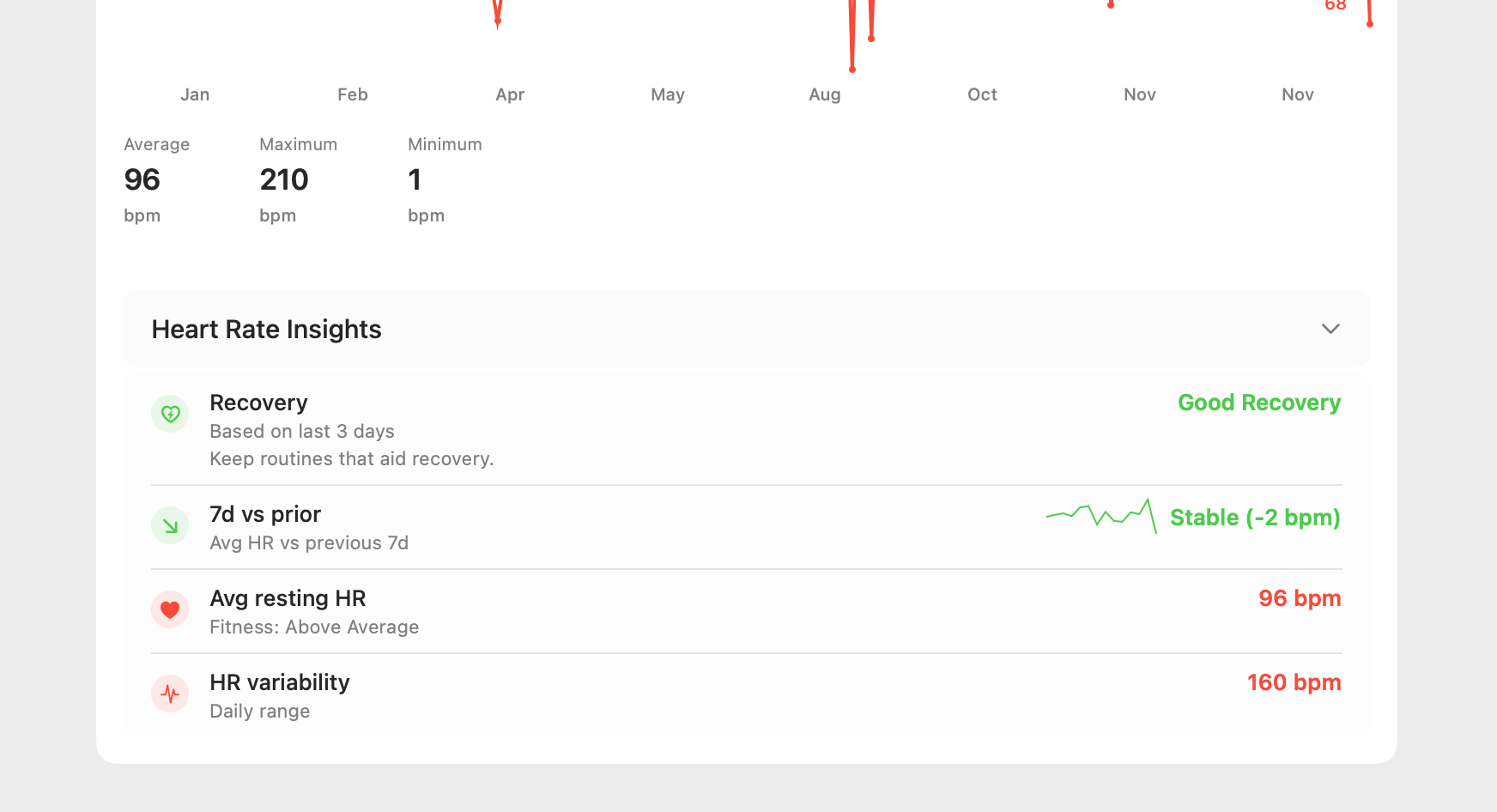
This is the most powerful option if you already have the XML file and want to move straight to analysis on your Mac.
The Best Method: Avoid XML Altogether
Why wrestle with conversion when you can bypass the problem entirely? The fundamental issue is the export.xml file itself. A modern workflow avoids this file completely by generating a clean, analysis-ready file from the start.
Our "Health Data Export" iOS app is the "easy button." It communicates directly with HealthKit to create a clean Apple Health CSV export or JSON file from the beginning, saving you time and frustration. It's the simplest way to export your Apple Health data.
Take Back Your Time
Don't waste hours fighting with XML files. Get straight to the insights.