Your Apple Health data, in the terminal.
A command-line tool to analyze Apple Health export.xml with AI — without uploading your full export anywhere.
Works on macOS, Linux, and Windows · Python 3.10+
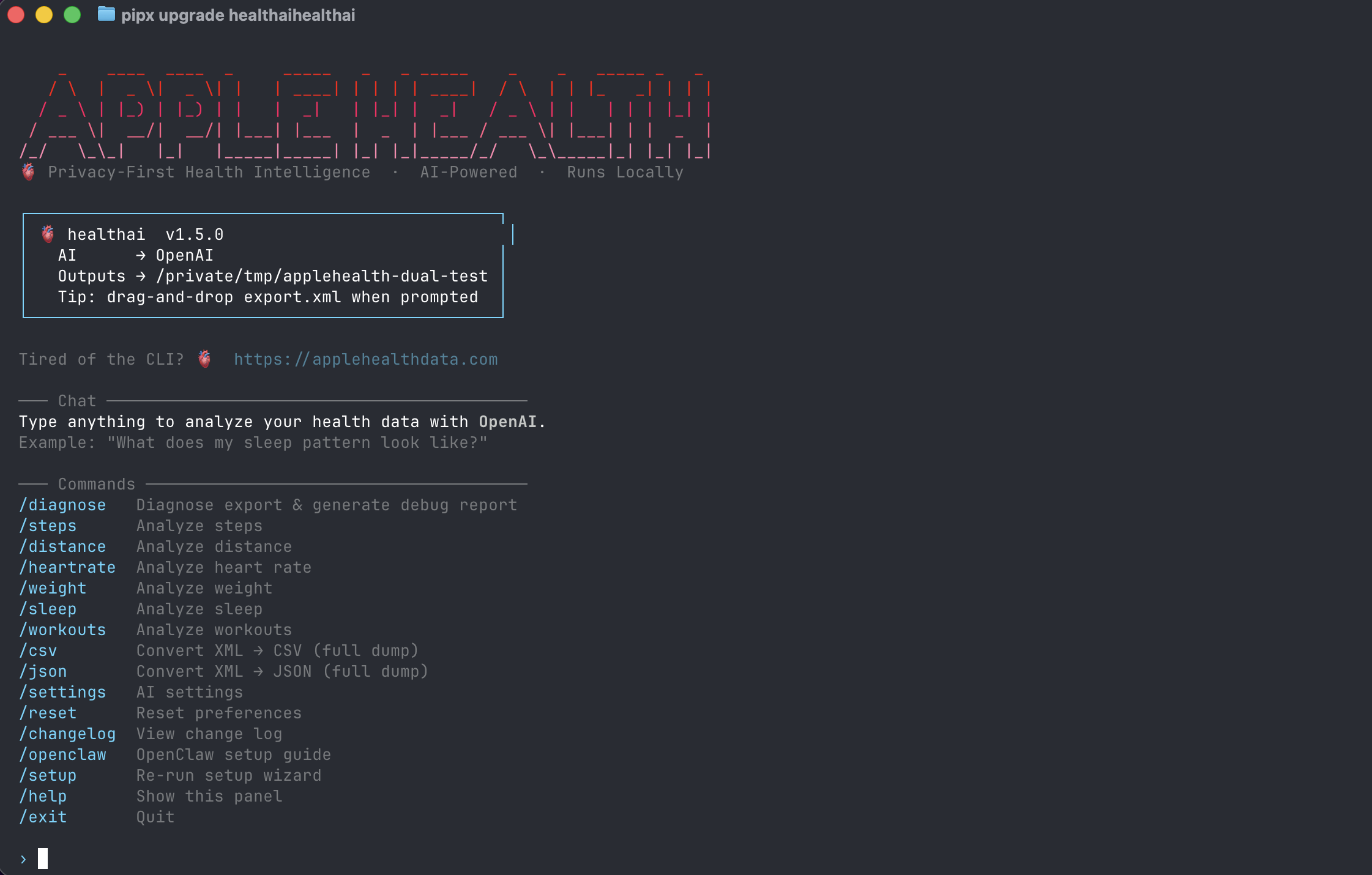
The healthai CLI welcome screen — drag-and-drop your export.xml and ask anything.
Why a CLI for Apple Health?
Runs locally
Your export.xml never leaves your machine. Only the small summarized slice you ask about gets sent to the AI provider you choose.
Scriptable
Pipe to jq, schedule with cron, drop it in your dotfiles. CSV and JSON exports are built in.
Open source
MIT licensed on GitHub. Read the parser, fork it, or vendor it into your own pipeline.
Slash commands
Once you launch healthai, type a slash command or just ask a question in natural language. Every command works on the export you loaded.
/diagnoseDiagnose export & generate debug report/stepsAnalyze steps/distanceAnalyze distance/heartrateAnalyze heart rate/weightAnalyze weight/sleepAnalyze sleep/workoutsAnalyze workouts/csvConvert XML → CSV (full dump)/jsonConvert XML → JSON (full dump)/settingsAI settings/resetReset preferences/openclawOpenClaw setup guide/changelogView change log/setupRe-run setup wizard/helpShow this panel/exitQuit30-second quickstart
- Install:
pipx install healthai(orpip install healthaiin a venv) - Export from iPhone: Health app → profile → Export All Health Data. AirDrop the resulting
export.zipto your Mac and unzip it. Full guide. - Run it:
healthai - Drag-and-drop your
export.xmlwhen prompted. - Ask anything, or run a slash command like
/sleepor/workouts.
# Full session in 4 lines
pipx install healthai
healthai
# > drag-and-drop export.xml
# > "What does my sleep pattern look like over the last 30 days?"
What you can ask it
Anything you'd ask a coach who happens to have read every row of your health export. A few that work well:
"Summarize sleep consistency, resting heart rate trend, and weekly activity changes for the last 90 days."
"Find correlations between sleep duration, HRV, and workout load. Flag unusual recovery days and suggest experiments for next week."
"Create a weekly scorecard: sleep consistency, recovery trend, activity momentum, with 3 actions for next week."
CLI vs. Mac app vs. ChatGPT Health
| healthai CLI | Mac app | ChatGPT Health | |
|---|---|---|---|
| Best for | Devs, scripting, max privacy | Anyone who wants a GUI | Quick chat, no setup |
| Where data lives | Your machine | Your Mac | Uploaded to OpenAI |
| Scriptable / cron-able | Yes | No | No |
| Open source | Yes (MIT) | No | No |
| Cost | Free + your AI API key | $4.99 (Pro from $1.99/mo) | ChatGPT Plus |
Prefer a GUI? The Mac app is the same idea — privacy-first analysis with built-in AI providers — without touching the terminal.
Troubleshooting
pipx not found?
# macOS
brew install pipx
pipx ensurepath

# Linux / Windows (via pip)
python3 -m pip install --user pipx
python3 -m pipx ensurepath
"No export.xml" or parse error?
Make sure you unzipped the iPhone export — you want the export.xml file inside apple_health_export/, not the .zip. Run /diagnose to generate a debug report.
Where do AI keys go?
Run /settings from inside healthai. Keys are stored locally on your machine. The CLI supports OpenAI today; LM Studio and Ollama are on the roadmap (the Mac app already supports both).