Export Apple Health Data to CSV
Your iPhone is a treasure trove of health data, but accessing it in a usable format can be a frustrating experience. If you've ever wanted to analyze your fitness trends in a spreadsheet, share data with a health professional, or create a secure backup, you know the value of a clean CSV file. This guide provides a definitive, step-by-step process for creating an Apple Health CSV export directly from your iPhone.
Why Exporting Directly to CSV is a Game-Changer
Apple's built-in export function provides a complex XML file that is notoriously difficult to work with. For most users, this format is a non-starter. A direct-to-CSV export method bypasses this headache entirely, giving you data that is:
- Immediately Usable: Open your health history directly in Microsoft Excel, Google Sheets, or Apple Numbers.
- Easy to Analyze: Every data type is organized into neat rows and columns, perfect for sorting, filtering, and creating charts.
- Simple to Share: Provide a universally compatible file to your doctor, physical therapist, or running coach.
- Archive-Ready: CSV is a plain-text format, making it ideal for a long-term, incorruptible Apple Health data backup.
How to Export Apple Health to CSV: The Easy Way
The most reliable and straightforward method is using a dedicated app designed for this purpose. Our "Health Data Export" app turns a complicated technical task into a few simple taps.
Step 1: Download "Health Data Export"
First, get the app from the App Store. It's a one-time purchase with no subscriptions or ads.
Step 2: Grant HealthKit Permissions
Upon first launch, the app will ask for permission to read your Apple Health data. This is a standard, secure process controlled by iOS. Our app processes all data locally on your device, so your private health information is never uploaded or shared.

Step 3: Select Your Format and Export
Tap the "Export" button. The app will bring up a share sheet where you can choose your desired format. Select CSV. You can then save the resulting file directly to your Files app, iCloud Drive, or AirDrop it to your Mac.
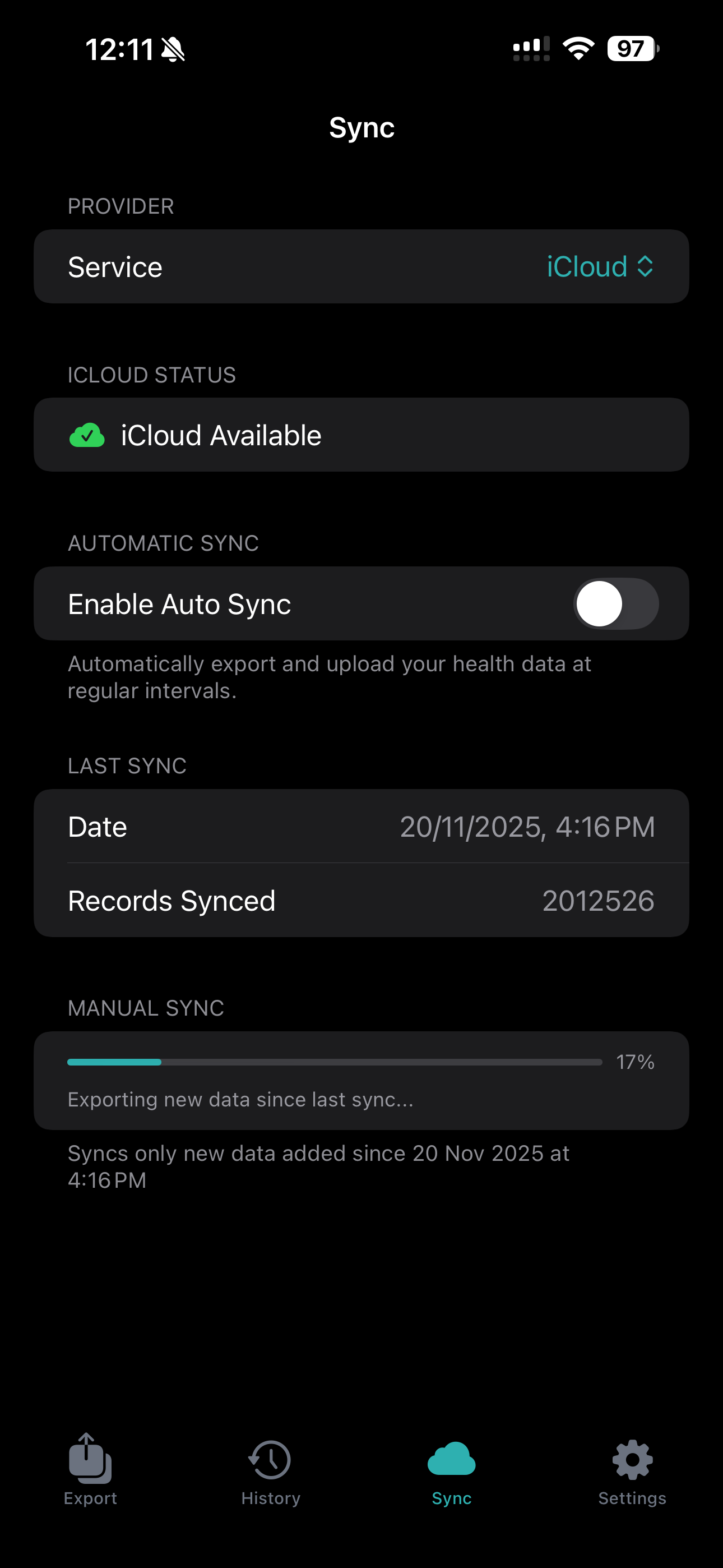
That's it. You now have a comprehensive CSV file of your entire health history, ready for analysis.
Who Needs an Apple Health CSV Export?
- Data-Savvy Individuals: Anyone who loves spreadsheets and wants to create their own custom health dashboards.
- Athletes and Fitness Enthusiasts: To track performance metrics over time, correlate training with recovery, and identify patterns.
- Patients: To provide doctors with detailed logs of metrics like blood glucose, blood pressure, or activity levels between appointments.
- Researchers: For cleaning and preparing datasets for health-related studies (always ensuring participant privacy and consent).
- Anyone seeking data portability: If you want a secure, independent copy of your health records, an Apple Health data backup in CSV format is a perfect solution.
How Our App Solves the Problem
The standard Apple export process is a dead end for most users. If you've ever tried it, you'll know the pain of dealing with the resulting export.xml file.
| Feature | Standard Apple Export | "Health Data Export" App |
|---|---|---|
| Primary Format | Complex XML | Clean CSV & JSON |
| Ease of Use | Difficult, requires technical skill | Simple, 3-tap process |
| Spreadsheet Ready | No, requires conversion | Yes, immediately |
| Time to Usable Data | 15-30 minutes (including conversion) | < 1 minute |
| Target User | Developers, data scientists | Everyone |
Our app acts as the essential bridge, letting you bypass the complicated XML step entirely. It's the "easy button" for getting your Apple Health CSV file. Once you have this file, you can take your analysis to the next level and analyze your health data with AI on your Mac.
Take Control of Your Health Data
Stop letting your valuable health history sit locked away in your phone. Turn it into a powerful tool for insight and analysis.