Apple Health Backup Guide
Your Apple Health data is more than just numbers; it's the story of your health, fitness, and well-being. Losing this data can be devastating. While iCloud backups are convenient, a true Apple Health data backup strategy involves creating a separate, independent, and accessible copy of your records that you fully control.
Why Your Standard iCloud Backup Isn't Enough
Relying solely on iCloud for your priceless health history presents several risks:
- Data Corruption: iCloud backups can fail or become corrupted, making a restore impossible.
- "Locked-In" Ecosystem: Your data is tied to your Apple ID. Accessing it outside of an iPhone restore is not possible.
- Lack of Accessibility: You cannot browse or verify the health data within an iCloud backup. You have to trust that it's there.
- Accidental Deletion: If you delete data on your device, that deletion can sync to your backup, permanently erasing the old records.
A true backup is a copy that you can store independently and access on any platform.
The Solution: A Manual, User-Controlled Backup
The best way to secure your health history is to periodically export your Apple Health data into a universal format and store it in a safe place. This gives you a tangible file (like a CSV or JSON) that is independent of Apple.
| Backup Method | iCloud Backup | Manual Export Backup |
|---|---|---|
| Control | Controlled by Apple | You control the file |
| Accessibility | Inaccessible until restore | Accessible on any computer |
| Format | Proprietary | Universal (CSV, JSON, XML) |
| Verification | Cannot be verified | Can be opened and checked |
| Platform Risk | Locked to Apple | Platform-independent |
Step-by-Step Guide to Creating Your First Backup
- Download "Health Data Export" from the App Store.
- Grant one-time read access to your Health data. The process is secure and runs 100% on your device.
- Choose Your Format. For maximum long-term compatibility, we recommend exporting to CSV.
- Save to a Secure Location. Use the Share Sheet to save the file to multiple locations for redundancy (e.g., iCloud Drive and an external hard drive).
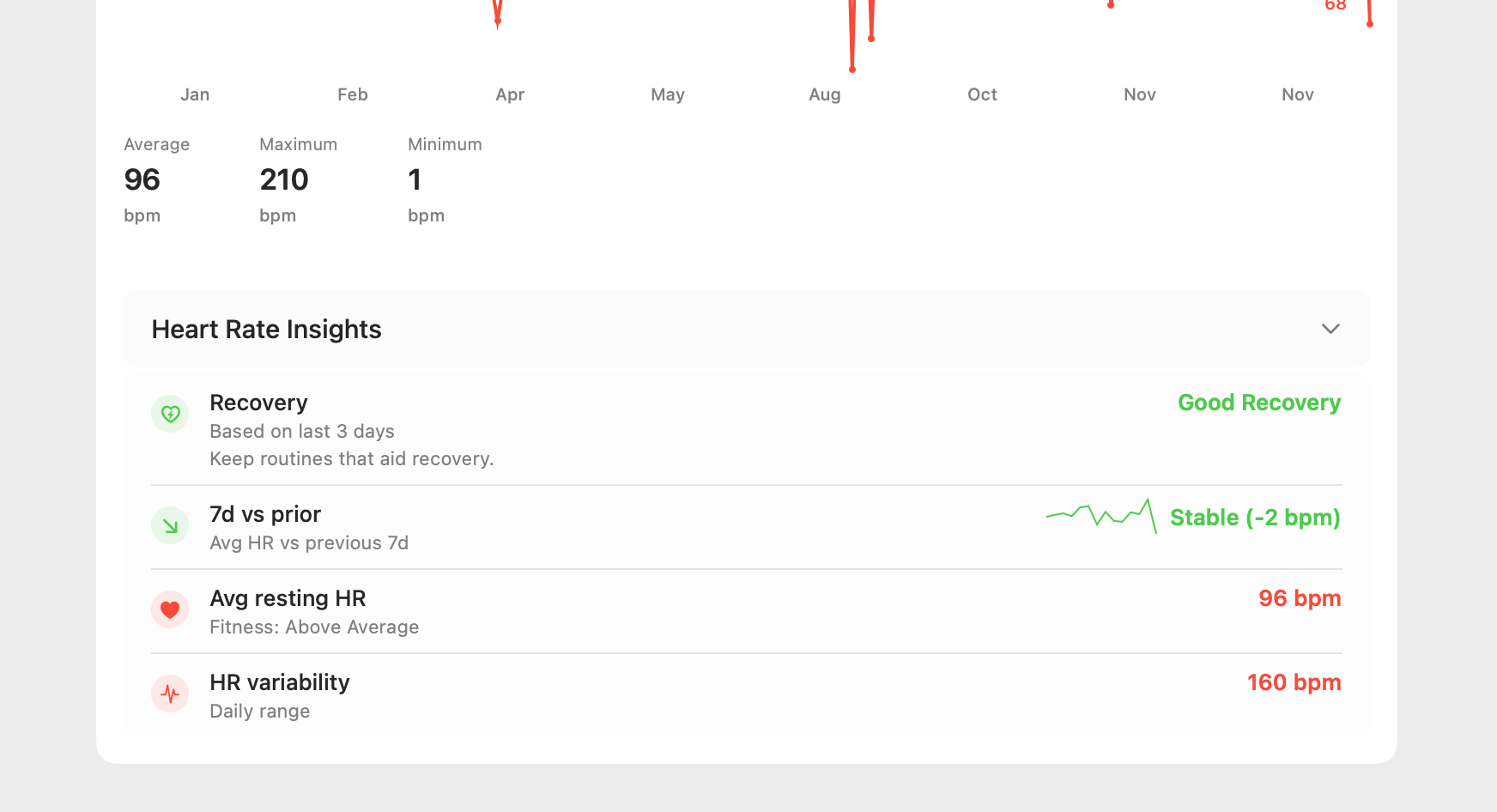
We recommend performing this backup process once every 1-3 months to keep your archive up to date.
Who Needs a Dedicated Health Data Backup?
- Everyone with an iPhone: Any user who values their health history should have an independent backup.
- Users Switching Devices: If you're moving from iOS to Android, this is the only way to take your health history with you.
- Individuals with Chronic Conditions: For those tracking important health metrics over the long term, a secure backup is essential.
Creating a backup also prepares your data for the exciting possibility of AI-powered health analysis, allowing you to discover trends in your securely archived data.
Peace of Mind with the Right Tools
Don't leave your priceless health history to chance. Take proactive steps to secure it. Our "Health Data Export" app was built with this core principle in mind: to give you full ownership and control over your digital health records.